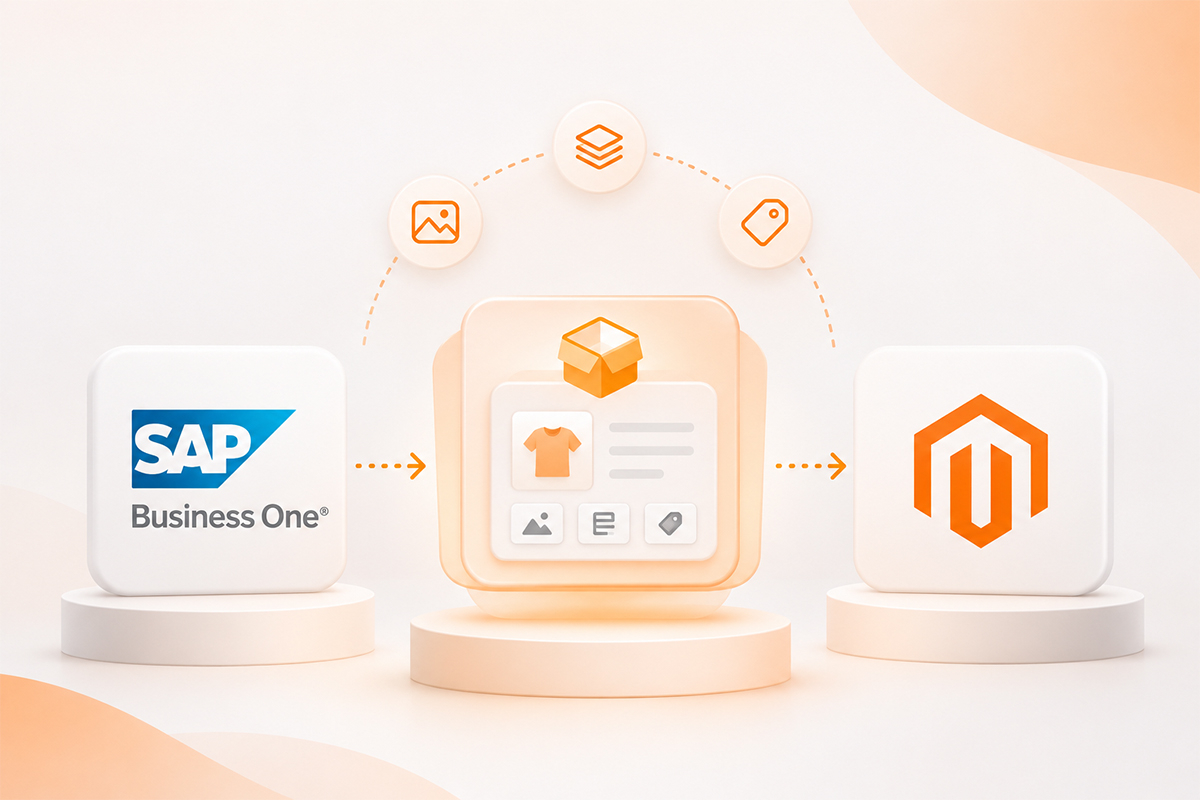
Product Data from SAP Business One to Magento: Do You Need a PIM?
It’s Friday afternoon. Someone in marketing has just finished rewriting 300 product descriptions in Magento. They’re clearer now, and they use the words customers actually type into Google. Then, at 2 a.m., the nightly sync from SAP Business One runs and quietly brings the old texts back. Nobody spots it until a customer asks about a feature that“used to be on the page”.
No part of the system broke. The connector did exactly what it had been told to do. Both systems simply thought the product description was theirs, and no one had ever decided which one should win.
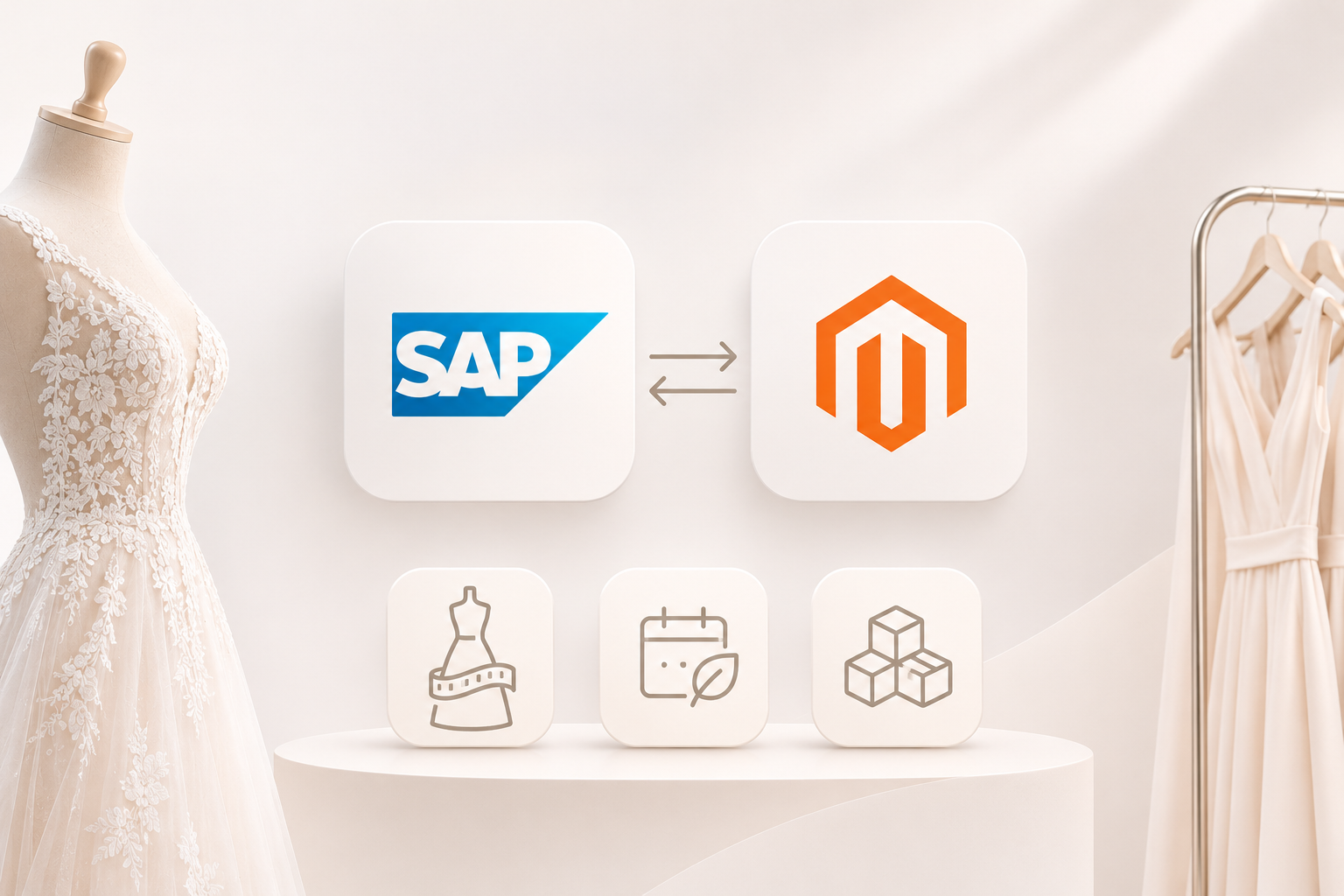
This post sorts that out. You’ll see which product data belongs in SAP, which belongs in the shop, and when it makes sense to add a third system, a PIM.
Key takeaways
- Sync problems usually aren’t technical – they happen when SAP Business One and Magento both think they own the same field, such as the product description.
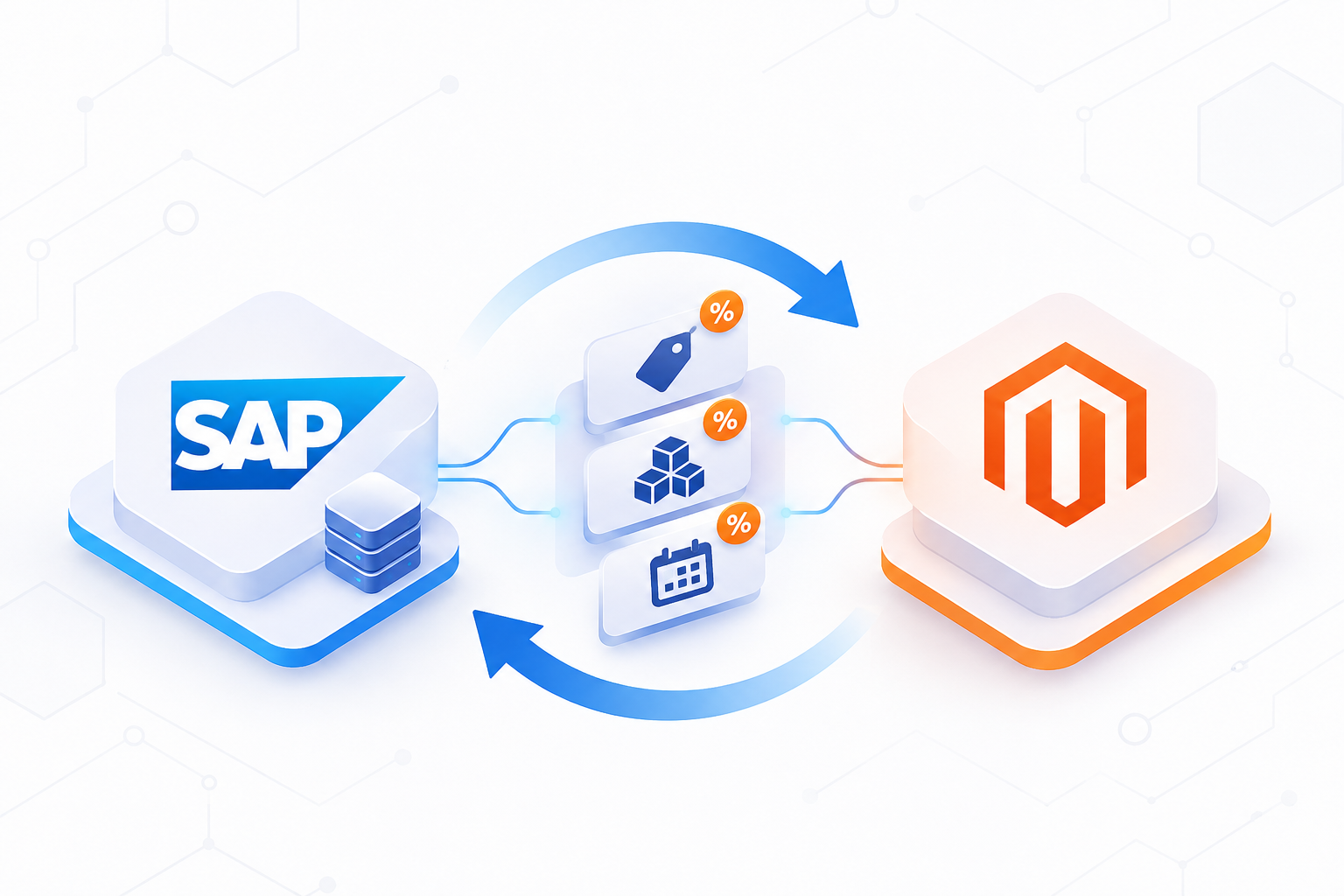
- Keep commercial data in SAP: item numbers, prices, stock, weights and units. Keep content in Magento or a PIM: descriptions, images, SEO fields and attributes.
- Write down an owner for every field and configure the connector to send only the fields SAP owns – watch store-view scope and empty values.
- A PIM such as Akeneo or Pimcore is worth a serious look with large catalogues, three or more languages, several channels or many content editors.
What SAP Business One is good at, and where it falls short
SAP Business One was made to run orders, stock and accounts, and it does that job well. Its item master holds everything the business side needs:
- item number, name and item group
- prices and price lists
- stock per warehouse
- units of measure, weight and dimensions
- manufacturer and supplier
Keep all of this in SAP and let the shop simply receive it.
Product content is another matter. A strong product page needs a long, well-formatted description, around ten images in the right order, filters such as size, material or colour, SEO titles, and links to matching accessories and spare parts. SAP B1 was never really built for that.
You can stretch SAP with user-defined fields (UDFs), and plenty of companies do. It works for a while. But each new attribute then means a change in SAP, a new field mapping in the connector and another test run. When marketing asks for a new filter in the shop, they end up waiting for the ERP team. That’s usually the first sign that SAP can’t carry the product content on its own any more.
Three ways to set it up
Most SAP Business One shops end up with one of these three setups. None of them is wrong. They just suit different sizes of business.
| Setup | How it works | Works well when | Gets hard when |
|---|---|---|---|
| SAP B1 only | All product data is kept in SAP and synced to Magento | Small catalogue, one language, mostly B2B buyers who know the products | Marketing needs better pages or new filters quickly |
| SAP B1 + Magento for content | SAP owns the commercial data. Marketing writes texts and uploads images in the Magento admin | One shop, one or two languages, a small team | You want the same content in a marketplace, a print catalogue or an app |
| SAP B1 + PIM (e.g. Akeneo or Pimcore) | SAP owns the commercial data. The PIM owns content and attributes. Both feed Magento | Several languages, channels or suppliers sending product data | You add a licence, a project and one more system to look after |
The middle option is where most small and mid-sized Magento shops should start. It costs nothing extra and fixes the most common problem, which is SAP overwriting shop content. It only works if the connector knows which fields it may touch. That's the next section.
Decide who owns each field
This is the part people skip, and it's the part that fixes the Friday-night problem. Sit down with the ERP owner, someone from marketing and your developer, and fill in a table like this one:
| Field | Owner | Sync direction |
|---|---|---|
| SKU / item number | SAP | SAP → Magento |
| Price, price lists | SAP | SAP → Magento |
| Stock | SAP | SAP → Magento |
| Weight, unit of measure | SAP | SAP → Magento |
| Product name | SAP on creation, then Magento | SAP → Magento once |
| Short and long description | Magento (or PIM) | Never from SAP |
| Images | Magento (or PIM) | Never from SAP |
| SEO title and meta description | Magento (or PIM) | Never from SAP |
| Categories | Your call, but only one owner | One direction only |
The product name is the tricky one. Sales staff need a short, clear name in SAP. The shop often needs a longer, search-friendly one. A common answer: SAP sends the name when the product is first created, and after that the shop owns it.
Then put the result into the connector's settings, so the sync only ever sends the fields SAP owns. Most connectors let you switch single fields on or off, or mark them as "only when a product is created". Ask whoever looks after yours to show you that list. If it can't be set per field, fix that before anything else.
And send only the fields SAP owns. If an update from SAP carries a description, even an empty one, it will wipe out what marketing wrote.
Selling in more than one language
Languages are where the cracks show fastest.
SAP Business One can store a foreign name for each item, and it can hold translations for some fields. That's mainly there so quotes and invoices print in the customer's language. It's fine for a short product name. It isn't a comfortable place to write and maintain three versions of a 400-word product description.
Magento handles languages through store views. A German store view and an English one can show different names, descriptions and SEO fields for the same product, as long as those attributes are set to the "store view" scope.
Whatever you choose, translate in one place only. Picture a German description written in SAP, an English one written in Magento, and a French one sent by an agency as a spreadsheet. Within a few months nobody knows which version is current.
A simple rule that works for many shops: the master text is written once, in the main market's language, wherever product content lives (Magento or the PIM). Translations are made from that master and stored next to it, in the same system. SAP keeps its short names for documents and nothing more.
When a PIM is worth it
A PIM (product information management system) such as Akeneo or Pimcore is a separate place where product content is written, translated, checked and then sent out to every channel. It's useful. It's also one more system with its own licence, setup project and upkeep. So it should earn its place.
Go through this list and count how many apply to you:
- more than about 5,000 active products
- three or more languages
- two or more places that show product data, such as the shop, a marketplace, a printed catalogue or a B2B app
- more than two people who regularly write or change product content
- suppliers who send you product data in their own formats
Three or more? A PIM is worth a serious look. One or two? Get the field ownership right first. That alone often solves the problem, and it costs no licence at all.
If you do go for a PIM, the split stays simple. SAP Business One keeps prices, stock and everything commercial. The PIM handles texts, images, attributes and translations. Magento shows the result. Both Akeneo and Pimcore can be connected to SAP Business One, usually through a connector from an integration partner.
Where to start
Whichever setup you end up with, this order saves a lot of rework:
- List the attributes your shop really needs for filters and search. Most catalogues need fewer than people think.
- Fill in the ownership table from the section above, with names next to each field.
- Set up the connector so it only sends the fields SAP owns.
- Clean up the item data in SAP: duplicate names, missing weights, wrong units.
- Only then decide whether you need a PIM.
Steps one to four take a few days, not months. And they make a later PIM project much smaller, because the data going into it is already in order.
Frequently asked questions
+Can SAP Business One manage product data for a Magento shop?
For prices, stock, weights and item numbers, yes, and it should. For long descriptions, images, filter attributes and translations it gets awkward quickly. Most shops keep that content in Magento or in a PIM.
+What's the difference between an ERP and a PIM?
The ERP runs the business side: orders, stock, prices and accounts. The PIM looks after the product story: texts, images, attributes and translations for every channel you sell through.
+Do Akeneo and Pimcore work with SAP Business One?
Yes. Both can be connected to SAP Business One, usually through a connector built by an integration partner.
+How do I stop the SAP sync overwriting product texts in Magento?
Decide which system owns each field, then set the connector to send only the fields SAP owns. Descriptions, images and SEO fields should never come from SAP if marketing edits them in the shop.
+Where should translations live?
In one place only, next to the master text. That's Magento or the PIM, depending on your setup. SAP keeps its short item names for quotes and invoices.
Want a second pair of eyes on your product data?
Ingold Solutions builds and supports the SAP Business One connector for Magento, and we work on both sides of it: SAP as an SAP Silver Partner, the shop as an Adobe Solution Partner. In a short workshop we go through your fields with you, agree who owns what, set up the sync to match, and tell you honestly whether a PIM would pay off for you yet.